ProductsServicesDownloadsNewsCompanyContact

yEd

yEd - Java™ Graph Editor

New yEd version 3.0.1.1

Click here to Web Start yEd graph editor now

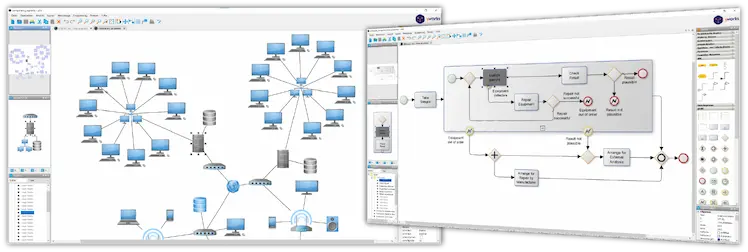
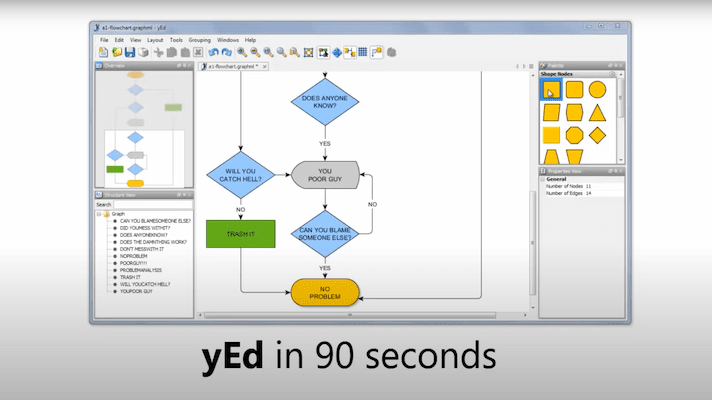
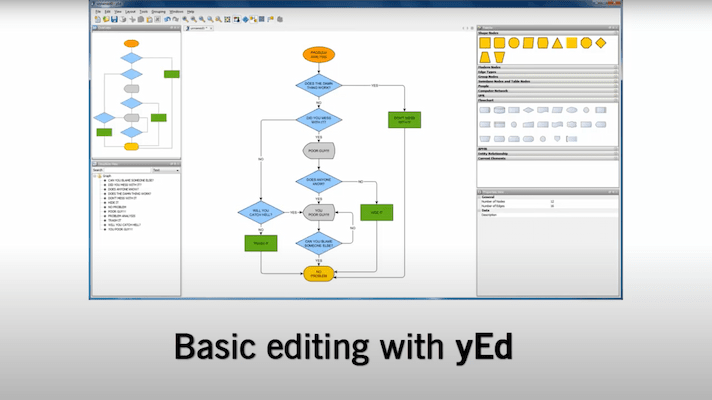
yEd is a very powerful graph editor that is written entirely in the Java programming language. It can be used to quickly and effectively generate drawings and to apply automatic layouts to a range of different diagrams and networks.

yEd is available as a free download with unrestricted functionality!

yEd makes full use of the yFiles library. This is a Java class library enabling the viewing, editing, optimizing, drawing, and animating of a wide range of diagrams, networks, and other graph-like structures.

yEd has been built using 100% lightweight Swing components. This allows it to run on any platform where a suitable Runtime Environment is available.

New Features in Version 3.0

  • Supports working with multiple graphs simultaneously: an arbitrary number of editor windows can be opened to edit graph structures.
  • The new Palette tool window provides samples of both predefined as well as user-defined visual representations for nodes and edges. It allows for instant access to a number of graph elements of each kind that have different (visual) characteristics.
    Several theme-based sample collections for graph elements (e.g., for UML) are available.
  • Graph files can be opened using a Drag and Drop gesture into the canvas. A new editor window is opened for the graph structure contained in the file.
  • Graph elements can be created with a Drag and Drop gesture from the Palette into the canvas.
  • Subgraphs can be copied to the system clipboard in EMF vector graphics format or in several graphics formats (JPG, GIF, BMP, PNG), respectively.
  • Full support for node types that are defined using SVG vector graphics format.
  • Graph files can be opened directly from URLs.
  • Includes sample graphs that, for example, present the various layout styles.

Please refer to the yEd release notes to learn more about the feature enhancements of the latest version.

Outstanding Features


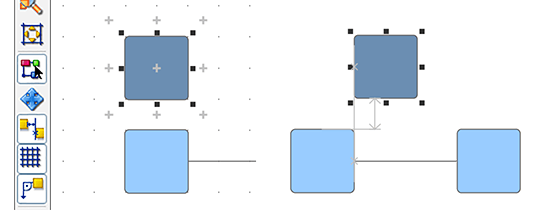
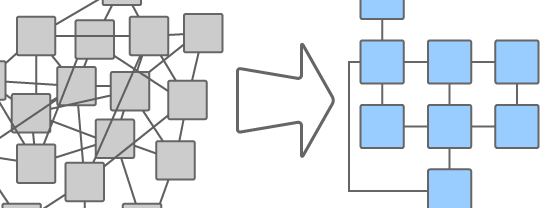
yEd can be used to automatically lay out complex graph structures. Several highly sophisticated layout algorithms have been implemented and shipped with yEd. They can be used either to automatically arrange the items or to support the user when undertaking a manual layout.

  • Interactive Hierarchical Layout enables you to interactively layout hierarchical or pseudo-hierarchical scenarios.
  • Hierarchical Layout allows you to perfectly visualize hierarchical or pseudo-hierarchical scenarios.
  • Orthogonal Layout will produce clear representations of complex networks.
  • UML-style Orthogonal Layout offers special support for arranging UML class diagrams, for example.
  • Organic Layout and Smart Organic Layout will produce clear representations of complex diagrams like ER diagrams, UML diagrams, and many more.
    The layout can be restricted so that it fits into a given area (e.g., a rectangle, circle, or ellipse) or a specified aspect ratio. Enhanced support for nested graphs.
  • Organic Edge Router will organically re-route edges in existing drawings.
  • Orthogonal Edge Router will orthogonally re-route edges in existing drawings.
  • Circular Layout can perfectly portray interconnected ring and star topologies.
    Nodes can be arranged on the entire disk now. Support for nested graphs.
  • Tree Layout can be used to clearly visualize tree-like structures in many different ways.
    Tree layout can consider node and edge labels for layout calculation and provides additional alignment options.

yEd enables users to create groups of nodes, which can be visualized and nested to virtually any degree. Furthermore, the new layout algorithms fully support this type of visualization. Using this unique feature, complex structures can be visualized and laid out even more clearly than before.

Another of yEd's excellent features is its ability to automatically assign label positions. This will enable the user to easily build improved diagrams, with each label clearly readable.

Further, yEd has an intuitive user interface that fully complies with the design guidelines for Java applications. Among its exceptional features are:

  • a customized workplace lets you arrange your tool windows to meet your precise needs
  • tabular property editors enable you to easily configure the graphical properties
  • internationalization: yEd has been localized in English and German
  • the sophisticated print preview enables you to preview the printing results (this is especially practical for poster-printing)
  • session management: yEd remembers and manages your settings
  • undo functionality
  • clipboard facility
  • keyboard shortcuts for most of the functions
  • integrated help system

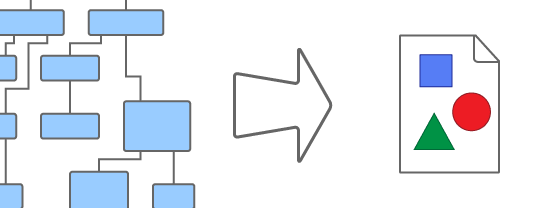
yEd can be used to build, modify, and visualize graph structures in an effective and efficient manner. They can be loaded and saved using a variety of different file formats including:

  • XML-based GraphML file format; the default file format
  • YGF file format; a binary file format
  • GML graph file format; a popular text-based graph file format
  • XML-based GML graph file format; a variant of the GML language that uses XML syntax
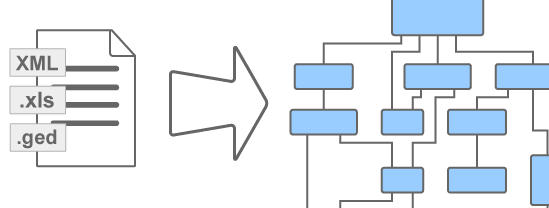
  • Import of arbitrary XML files. An XSLT stylesheet must be given that transforms the XML input into a valid GraphML. Predefined stylesheets for Ant build scripts, the OWL Web Ontology Language, and others are included.

For exporting graph structures, yEd offers file formats for image and vector graphics export including:

  • PDF (Portable Document Format) by Adobe
  • Macromedia Flash file format SWF
  • SVG vector graphics file format. This file format supports embedding URLs and descriptive tooltips for both nodes and edges.
  • Enhanced Windows Meta File (EMF) file format, a vector graphics format that can be used in almost any Windows application.
  • JPG and GIF file formats. Export large images as multiple images and HTML tables also supported.
  • HTML image maps with support for embedding URLs and descriptive tooltips for both nodes and edges (see a sample)
  • BMP (on Windows machines) and PNG file formats
  • EPS (Encapsulated PostScript)

All of the image export formats can be fully customized to meet your unique needs.

The editor supports the complete set of graphical attributes necessary for effective graph visualization. The built-in support includes:

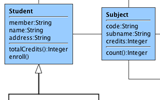
  • pre-configured node types for UML object diagrams and class diagrams
  • multiple labels for nodes and edges
  • multi-line and icon labels
  • powerful searching and selection utilities
  • zooming (resembling a magnifying glass, for example) and overview (zooming can be controlled using the mouse-wheel)
  • a set of beautiful icons to get you started with your first diagrams
  • further non-graphical properties for nodes and edges: descriptive tooltips and URLs which can be used to open files from within yEd

Gallery

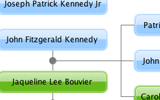
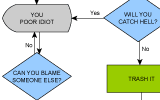
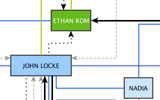
Have a look at our gallery to experience the many applications that yFiles and yEd can be used in.

Download yEd 3.0.1.1 Full Version

The current version is 3.0.1.1 - To ascertain the version of yEd you are presently using, simply refer to the 'About' box that can be accessed via the 'Help' menu.

Note: Before downloading and using yEd you must accept the license terms.

Platform/Technology File Notes
Windows Exe file
(24.1 MB)
Download yEd with an installer/uninstaller. A Java Runtime Environment (JRE) is included. (If you are unsure whether you have Java installed on your Windows machine or you need to install the JRE, simply use this installer.)
Windows Exe file
(11.1 MB)
Download yEd with an installer/uninstaller. If required, the Java Runtime Environment (JRE) is dynamically loaded from the Web. (If there is a JRE installed on your Windows machine, simply use this installer.)
Mac OS X Dmg file
(10.8 MB)
Download yEd with an installer (Mac OS X normally has a suitable Java Runtime Environment already installed).
Unix/Linux Sh file
(10.5 MB)
Download yEd with an installer. If required, the Java Runtime Environment (JRE) is dynamically loaded from the Web. (If you are unsure whether you have Java installed on your machine or you need to install the JRE, simply use this installer.)
Web Start Jnlp file
(11.6 MB)
Install and launch yEd immediately using Java Web Start. (Please note that startup time with Java 1.6 Web Start can be longer. We suggest to use the faster installer version instead.)
Generic Java Zip file
(10.2 MB)
Download yEd in a Zip file. For this option you need to have a Java Runtime Environment (JRE) installed on your system.

Get Java

If you want to use the Web Start or applet features and you know that you need Java, please go here:

yEd is based on the yFiles library and uses the JIDE library licensed from JIDE Software for its look and feel.


If you have ideas for improvements or want to report bugs, you can contact yed@yWorks.com.