
yEd - graph editorHigh-quality diagrams made easy
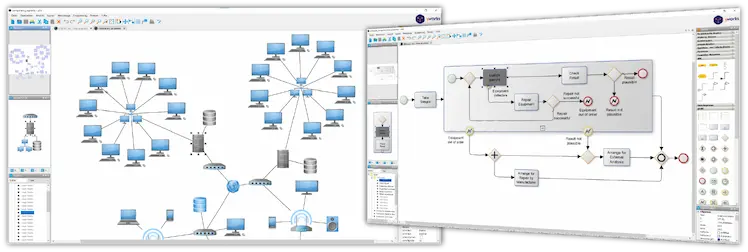
Powerful and flexible
yEd is a powerful desktop application that can be used to quickly and effectively generate high-quality diagrams.
Create diagrams manually, or import your external data for analysis. Our automatic layout algorithms
arrange even large data sets with just the press of a button.
yEd is freely available and runs on all major platforms: Windows, Unix/Linux, and macOS.
If you prefer to edit diagrams with an online tool or integrate them directly into Atlassian confluence, you can get an overview of our diagram editors here.

Key Features
Import
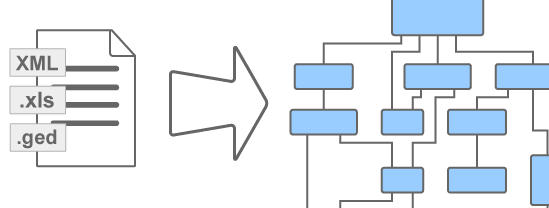
Import your own data from an Excel® spreadsheet (.xls) or XML.
Create
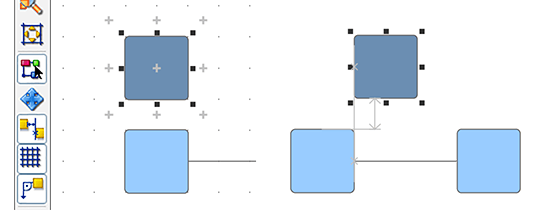
Create diagrams with ease via an intuitive user interface.
Arrange
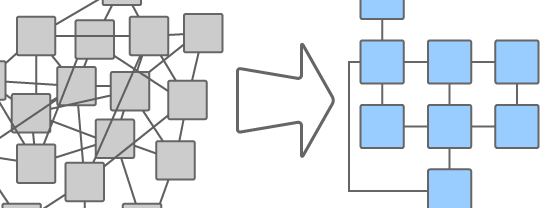
Automatically arrange your diagrams elements.
Export

Export bitmap and vector graphics as PNG, JPG, SVG, PDF, SWF.


Supported Diagrams
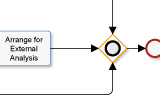
BPMN Diagrams
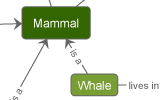
Semantic Networks
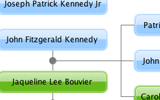
Family Trees
Flowcharts

Social Networks
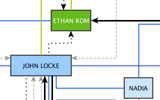
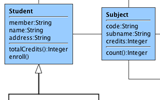
UML Class Diagrams
and many more...
Frequently Asked Questions
Support


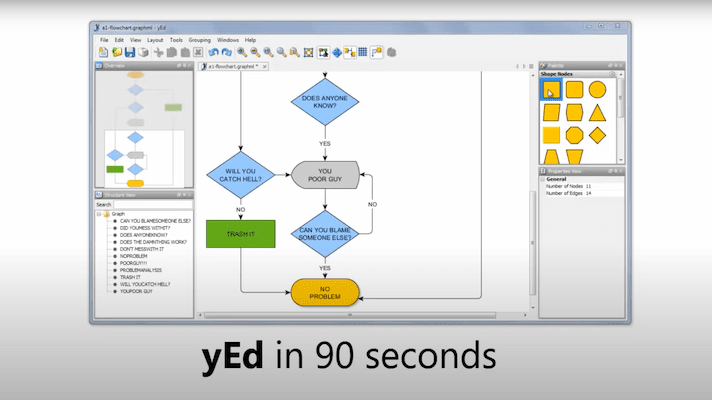
Video tutorial
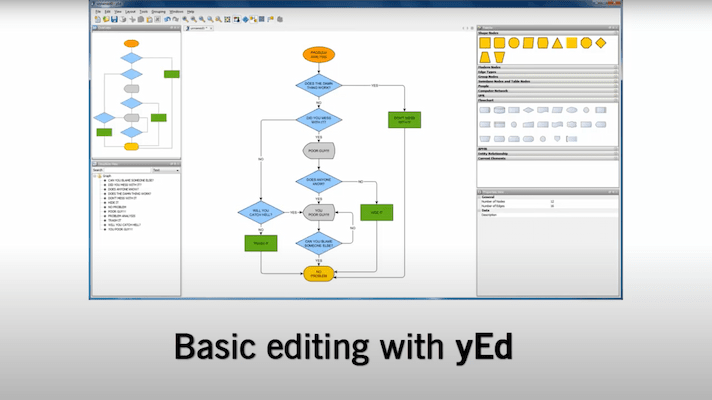
This video tutorial shows how to create a flowchart diagram with yEd.
Technical information
diagramming SDK
yEd is based on yFiles - the industry-leading software library for visualizing, editing and analyzing graphs.
Discover moreyEd is a pure Java Swing application. It runs on all Windows, Unix/Linux, and Mac OS versions where a suitable Java Runtime Environment is available.
yEd is based on the yFiles diagramming library, which provides not only the automatic layout algorithms and analysis tools, but also the intuitive user interface that makes creating and editing diagrams so easy.
For its look and feel, yEd makes use of UI components from JIDE Software.
Feedback
We hope that you find yEd to be an invaluable tool and as much fun to make diagrams as we do. Spread the word and recommend it to your friends on Facebook and Twitter!
We also invite you to blog about yEd or submit a nice review on alternativeto.net.
you might want to explore




Why, how, what? —Just ask the diagramming experts!

Our team is happy to advise you – no strings attached. Let's talk about your project and find the perfect solution for your needs!
E-mail: hello@yworks.com
Your message has been sent.
Your request could not be sent. Please reload the page and try again.
If the problem persists, please report the error to webmaster@yworks.com.
Learn more in our privacy policy.