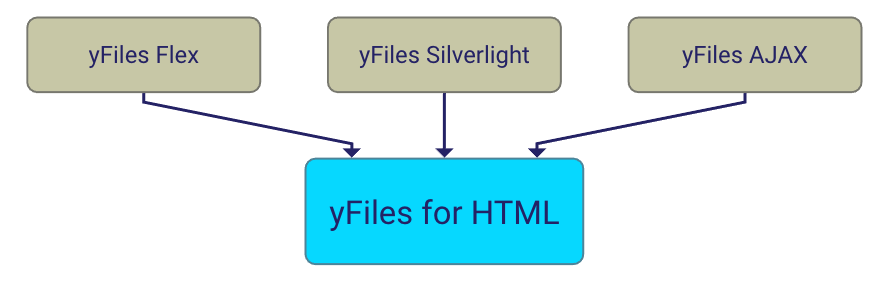
yFiles AJAX provides a basis for diagramming web applications. Its server side is based on the successful yFiles library. The client side is realized in JavaScript™ with the dojo toolkit. It uses the Ajax approach.
Why choose yFiles AJAX?
yFiles AJAX provides essential building blocks for web based applications that need to visualize and edit graphs, diagrams, or networks.
- No Browser Plugins You do not need any browser plugin in the client side web browsers.
- Easy Deployment Your yFiles AJAX application will run on any client once it is deployed to the server. Only a common web browser (Firefox 3.0 or Firefox 3.5, or Internet Explorer 6, 7, or 8) needs to be installed on the client side.
- Web based graph viewing and editing. yFiles AJAX allows you to easily create web applications providing a similar user experience as regular desktop applications.
- Benefit from our graph drawing software experience. All our expertise from the development of our other successful graph drawing products (yFiles for Java, yFiles.NET and yEd) was leveraged for the development of the yFiles AJAX APIs.
- Client API The yFiles AJAX client API provides callbacks for all kinds of mouse events on graph nodes or edges and convenience classes to facilitate the creation of custom controller code.
- Server API The yFiles AJAX server API offers the infrastructure needed to easily extend the server capabilities.
Demo Applications
Use either Firefox 3.0 or 3.5, or Internet Explorer 6, 7, or 8 and enable JavaScript and Cookies in order to run the demos.
Graph Viewer
The Graph Viewer demo application demonstrates viewing a graph with zooming, panning, overview, and additional node and edge information.
Realizing a slightly simpler version of this application is described step by step as a tutorial in the yFiles AJAX Developer's Guide.
Organization Chart
The Organization Chart demo application shows how an interactive view for an organization chart can be created using yFiles AJAX.
The displayed graph is generated using an XML data model. The demo uses group nodes to visualize business units.
The user can switch between a global and a local view. In addition to the graph visualization, the data is represented in a tree view.
Network Monitoring
The Network Monitoring demo application shows how to use yFiles AJAX in combination with Ajax server polling functionality in order to visualize model state changes on the client.
Collapsible Tree
Initially, a rooted tree with many nodes is loaded into the canvas. However, most of the nodes are not shown, because their subtrees are collapsed. The nodes are rendered with custom icons that indicate their current state. You can collapse or expand nodes. After an expand or collapse operation, the graph is redrawn using a configurable layout algorithm.
Realizing a slightly simpler version of this application is described step by step as a tutorial in the yFiles AJAX Developer's Guide.
Grouped Graph
The Grouped Graph demo application presents the grouping support of yFiles AJAX. You can navigate into and out of the group nodes of a hierarchically organized graph using simple mouse clicks. Also, group nodes can be collapsed or expanded. Whenever group nodes are expanded or collapsed, a new incremental layout is calculated on the server and the graph is redrawn.
Graph Editor
With the
Graph Editor
demo application you can add new nodes and edges to a graph, move or delete nodes,
change node labels, apply a layout algorithm, download the current graph, etc.
For details see the online help of the application.
Swimlanes
The Swimlanes demo application uses two features introduced with yFiles AJAX 1.2: configuration of the server side views used for generating the image tiles of the graph and the action framework.
The yFiles AJAX Developer's Guide contains a tutorial for creating a little game which uses the action framework.
Documentation
The yFiles AJAX Developer's Guide explains how to use yFiles AJAX to create your own applications.
Commercial Information
Learn more about the terms for the commercial or academic use of yFiles AJAX:For ordering information and prices, please contact: sales@yWorks.com.
Evaluate yFiles AJAX
You can test and experience yFiles AJAX with a 30-day, fully functional evaluation version.